Your Email Account Is the Master Key
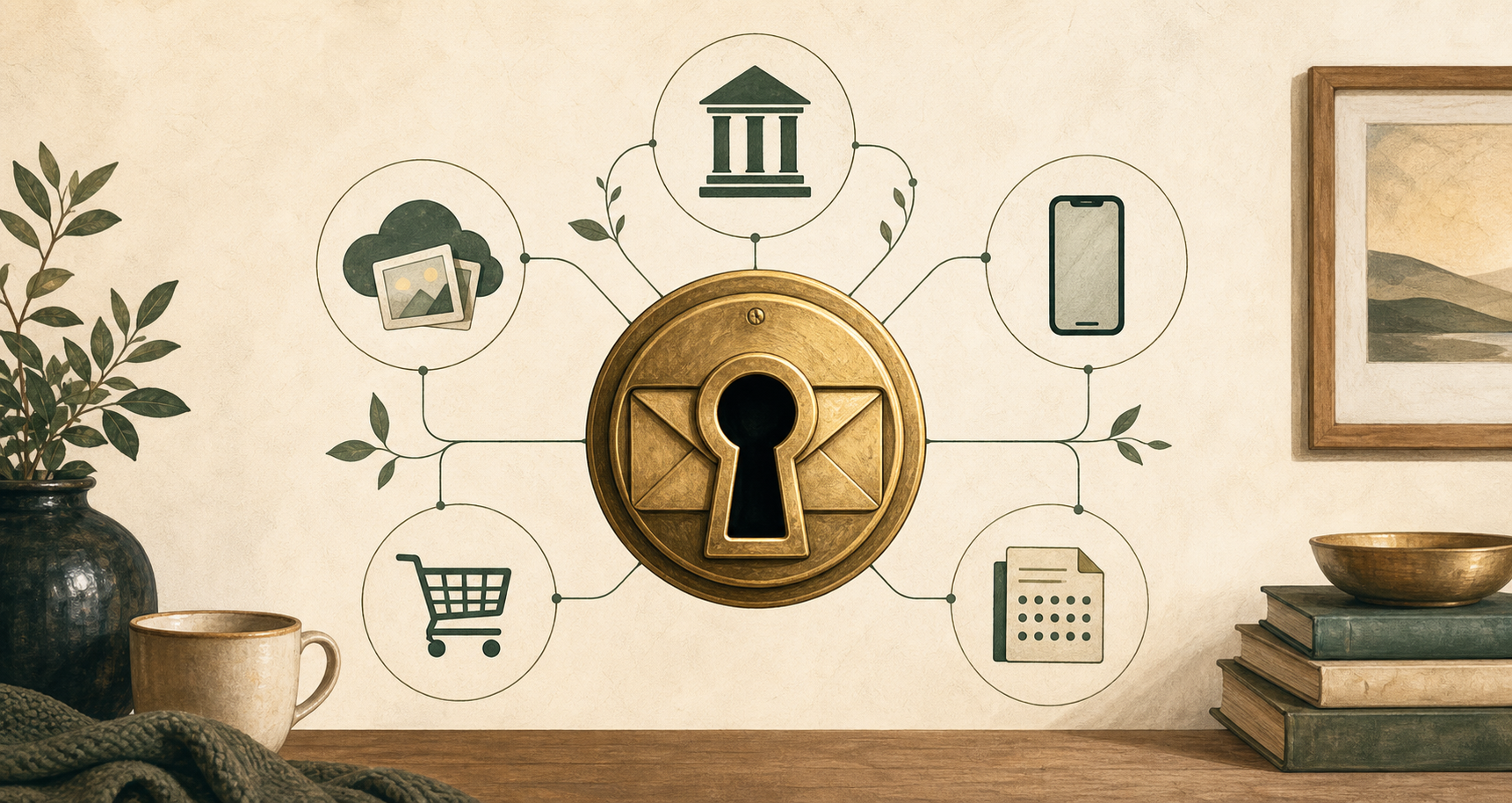
Email is no longer just where messages arrive. It is recovery infrastructure for banks, cloud services, phones, password managers and everyday identity.
Most people think of email as somewhere messages arrive.
That is no longer the important part.
Your main email account is the place other systems use to decide whether you are still you. Banks, shopping sites, cloud services, insurance companies, phone providers, password managers, social networks, travel companies and government services all use email as part of the recovery chain. If you forget a password, reset an account, confirm a device, receive an alert or prove ownership, the route often comes back through email.
That makes your email account much more important than an inbox. It has become recovery infrastructure for the rest of your digital life.
I Learnt This The Awkward Way
My original primary email address was s.griffiths@virgin.net, from the dial-up days.
At the time, that was perfectly normal. Your internet provider gave you an email address, you used it, and over time it became part of your life. It went on forms. It became the address friends knew. It became the place services used to contact you.
Then I moved away from the dial-up service and discovered the catch: my primary email address depended on that service continuing.
Fortunately, my parents still used Virgin.net for dial-up, so I managed to keep the address alive for a few more years through their account. That bought me time to move. Unfortunately, I moved to Yahoo next.
That solved the immediate problem, but it was not a permanent answer. As Yahoo declined, I realised I needed to move again, this time to Gmail, which felt like a more durable long-term home for my digital identity.
Years later, I hit the ghost of that first decision. I tried to sign up to a service using my phone number and was rejected because the number was still linked to my old virgin.net email address. Virgin.net was long gone. I could not access the mailbox. The vendor insisted on using the non-existent email account as the proof point, so I had no easy way to disconnect the phone number.
That is the problem. An email address can disappear from your life but remain embedded in someone else’s recovery process.
Email Became The Spare Key Everyone Trusts
The shift happened gradually enough that most of us did not notice.
Email started as correspondence. Losing access was annoying, but not always catastrophic. You might miss messages, lose old conversations, or have to tell people your new address.
Now email is part of the machinery of identity.
If someone controls your primary email account, they may not need to know where you bank. They can search your inbox and find out. They may not need to guess which cloud service you use. The alerts, receipts and old sign-up messages will tell them. They may not need to break into every account at once. They can reset one, wait, read the notifications, and move carefully.
That is why this matters. A compromised email account is not only a privacy problem. It can become a map of your digital life and, in many cases, a route into it.
The risk is not always dramatic. An attacker may not lock you out immediately. They may add a forwarding rule, keep reading quietly, and wait for useful messages to arrive. They may delete warnings before you see them. They may use old receipts and account emails to build a picture of where to try next.
This is why I would treat your main email account as one of the foundations of your digital life, not just somewhere messages arrive.
Some Email Accounts Are Too Fragile For This Job
This is where I am going to be opinionated.
For most people, the main recovery email for banking, cloud storage, phone accounts, government services and password managers should sit with a provider that has strong modern account protection and is likely to be around for the long term.
In practice, that often means Google, Microsoft or Apple. Not because they are perfect, and not because you should trust any large technology company blindly. This is not a brand recommendation. It is a judgement about security maturity, recovery processes, passkeys or strong two-factor options, device alerts, and the likelihood that the account will still exist in the form you need a decade from now.
I would be much more cautious about using an ISP mailbox, an old work address, an old Yahoo-style account, a small provider you barely think about, or a custom domain you set up years ago and now only half remember.
Some of those services can be secured. That is not the point. The question is whether they are strong enough, durable enough and recoverable enough to act as the foundation for everything else.
An email account that still works is not necessarily an email account you should trust as your digital master key.
The Forgotten Domain Problem
There is another version of this problem that catches technically aware people more often than non-technical ones: the old personal domain.
If your main email address is something like you@yourdomain.com, then your security does not only depend on the mailbox. It also depends on the domain name, the renewal payment, the account where the domain is managed, and whoever still knows how it is configured.
That sounds technical, but the risk is simple.
If the domain expires, is misconfigured, or falls under someone else’s control, email for that domain may stop reaching you. Worse, it may eventually start reaching someone else. If that address is used for password resets, bank alerts, cloud accounts or your password manager, the domain has become part of your identity system.
For a newsletter address, that may be fine. For the account that protects your bank, cloud storage, phone provider and family photos, it is only safe if you actively manage the domain, protect the registrar account, and know exactly how recovery works.
The test is simple: if losing that domain would make it hard to prove who you are to important services, either manage it as critical infrastructure or do not use it as your keystone email address.
Five Things To Do Today
This does not need to become a weekend project. Start with the account that matters most.
1. Choose Your Keystone Email Account
Decide which email account should be the recovery address for your important services.
That means your bank, credit card, phone provider, cloud storage, password manager, government services, insurance, main shopping accounts and anything you would panic about losing.
For most people, this should be one strong mainstream account, not a collection of old addresses accumulated over twenty years.
There is a reasonable argument for having a separate account used only for these critical services, rather than using the same address for everyday mail, newsletters and shopping receipts. I have considered doing this myself. It reduces noise and makes the account’s purpose very clear.
But it only works if you actually look after it. A separate account that you rarely check, forget how to recover, or leave tied to an old phone number is not safer. For most households, the practical answer is one properly secured main account, or one dedicated keystone account that is protected strongly and checked regularly. What I would avoid is a half-forgotten spare mailbox that quietly becomes the recovery route for everything important.
2. Move Critical Accounts Away From Fragile Addresses
If important accounts still point to an ISP email address, an old work address, a forgotten domain, or a mailbox you would struggle to recover, move them.
Do not try to fix everything at once. Start with the accounts that matter most: banking, phone provider, password manager, cloud storage and government services.
Keep the old address for newsletters, receipts and low-risk services if you want. Just stop using it as proof of identity.
3. Turn On Strong Sign-In Protection
Your keystone email account should have more than a password protecting it.
Use a passkey if the provider supports it. If not, use an authenticator app or a physical security key. SMS codes are better than nothing, but I would not choose them as the main protection for the account that protects everything else.
Also save recovery codes somewhere offline. Printed and stored with important documents is good enough for many households. The point is that you should not need access to the same email account to recover the email account.
4. Check For Quiet Ways Someone Could Still Be Reading
Changing the password is not always enough.
Check whether your email account has forwarding rules you do not recognise. Look at the devices currently signed in. Review old connected apps and mail clients. Remove old app passwords if your provider shows them.
You do not need to understand every technical detail. The question is simple: is there any route by which someone, or some old app, could still be reading this mailbox without you noticing?
If you do not recognise it, remove it.
5. Fix Recovery Before You Need It
Check the recovery phone number and recovery email address on your keystone account.
Make sure they are current and under your control. If the recovery address points to an old mailbox you barely use, you have just moved the weakness one step sideways.
Also think about your password manager. If you need your email to recover your password manager, and your password manager to recover your email, you have built a loop. Break that loop with offline recovery codes, an emergency kit, or a written record stored safely at home.
Good Enough For A Household
Good enough does not mean perfect.
For most households, good enough looks like this: one strong main email account, protected with a passkey or proper two-factor authentication, with clean recovery details, no unknown forwarding rules, no mystery devices, and recovery codes stored somewhere offline.
That is not glamorous. It is not advanced cyber security. It is basic household resilience.
If you secure only one account properly this week, make it your main email account.
Because your bank may hold your money, your cloud account may hold your photos, and your phone may hold your messages. But your email account is often the place they all turn to when they need to decide whether you are still you.