The Rules for Spotting a Scam No Longer Work
Why AI-enhanced phishing means the old scam-spotting rules are no longer enough, and why ordinary households need to verify the route, not the writing.
For years, the advice was simple and it mostly worked: look for the spelling mistakes. Watch for the generic greeting. Notice the implausible urgency. If an email claimed to be from your bank but read like it had been written in a hurry by someone unfamiliar with English, you could safely ignore it.
Most careful people got quite good at this. A quick scan of the subject line and the first sentence was usually enough. You developed an instinct for it, and that instinct was useful.
The problem is that the instinct was trained on an older threat.
The old rules were never the real defence
The old phishing email had tells. Poor grammar. Mismatched logos. A sender address that almost matched a real company but not quite. An urgent request to verify your account or face immediate suspension.
Those signals worked because the people sending the emails were operating at volume with limited resources. The spelling mistake was not always carelessness. The awkward sentence was not always incompetence. They were side effects of cheap mass production.
So careful readers learned to filter the cheap work. We treated rough writing as evidence of fraud, and for a long time that was a reasonable shortcut.
But the hidden dependency was this: our ability to spot a scam had become contingent on scammers being bad at writing.
That was never a security model. It was just a useful accident.
What changed
The emails are now good. Not always, but often enough.
AI tools have removed much of the friction that used to betray a phishing attempt. A scam email can now be drafted in fluent English, styled to match the organisation it is impersonating, and tailored to the recipient using information that is already public or leaked elsewhere. The generic greeting can be replaced by your name. The clumsy panic can be replaced by a reasonable-sounding request.
The same is true of text messages, voice messages, WhatsApp messages, and social media DMs. Text-message phishing is sometimes called “smishing”, but the word barely matters. The important point is that the message no longer has to look obviously bad.
A message that appears to come from a delivery company can look like a normal delivery update. A bank warning can sound like the kind of fraud alert banks really send. A request from a colleague can match the tone of an internal announcement. A message from a family member saying they have lost their phone can be calm, plausible, and correctly written.
The old advice has not become useless. Spelling mistakes, strange links, and odd sender addresses still matter. But they are no longer enough. If the main test is “does this look real?”, then a well-written scam has already passed the test.
The problem runs in both directions
There is another problem that gets less attention.
When we sharpen suspicion without updating the method, we start rejecting legitimate requests as well as fraudulent ones.
A real email from your bank’s fraud team can look almost identical to a phishing attempt. A genuine request from a colleague to update security software can trigger the same alarm as a social engineering attack. A legitimate message about a missed payment can look exactly like the thing we have trained ourselves not to click.
I have made both mistakes. I have followed a well-crafted internal phishing test because it looked like a plausible work email. I have also rejected a legitimate security request because it looked too much like the kind of thing I had trained myself to distrust.
Both errors come from the same place: judging the message by appearance rather than verifying the route.
The new rule: verify the route, not the writing
The old approach was to inspect the content of a message and ask: does this look legitimate? That question is no longer reliably answerable.
The better question is: is this the right route for this kind of action?
That sounds abstract, but it turns into a simple household rule:
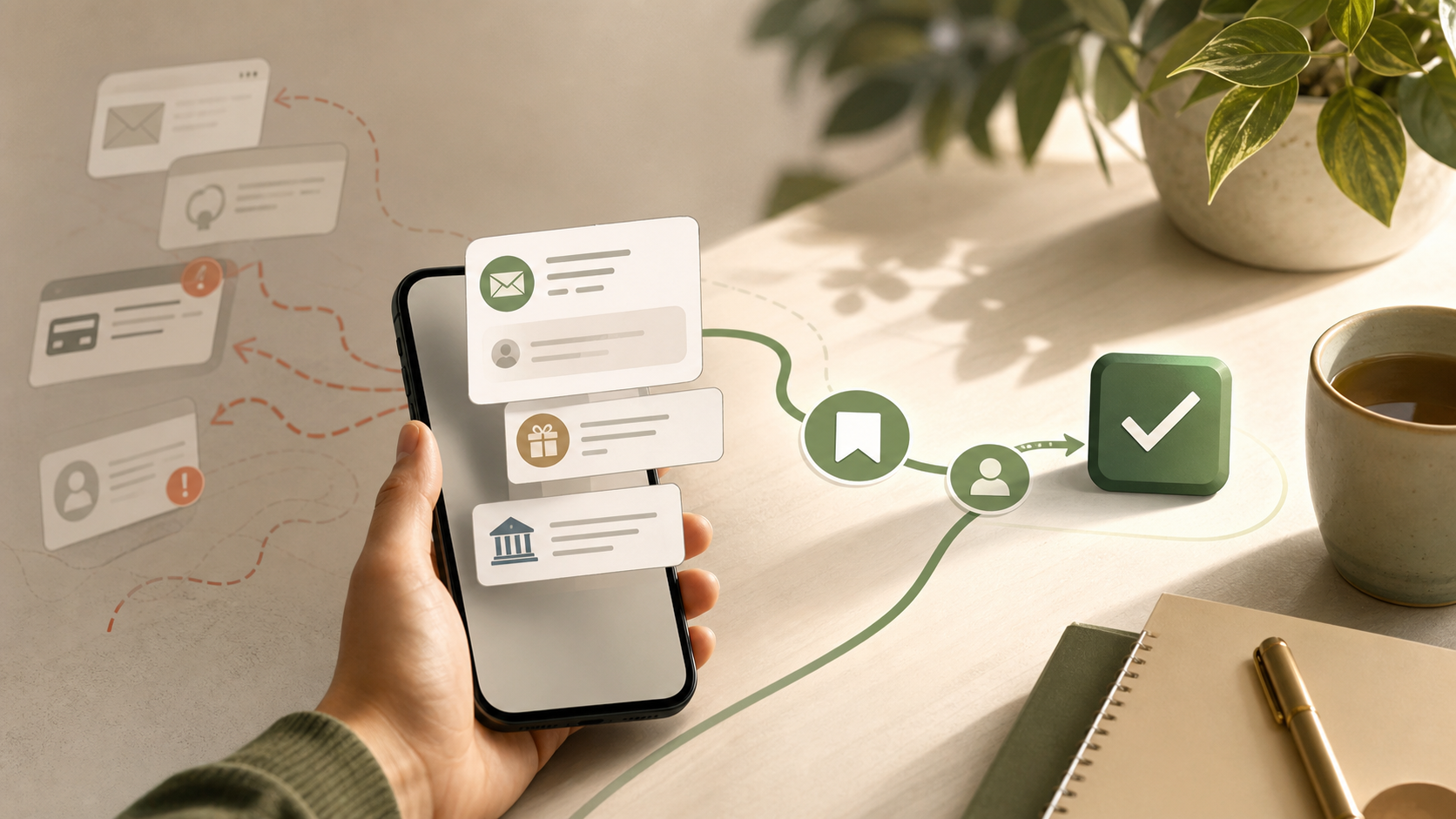
If a message asks you to do something important, do not use the route provided by the message. Use a route you already trust.
That is the whole shift. Stop trying to decide whether the message is beautifully fraudulent or genuinely official. Assume appearance is no longer a reliable signal, then verify the action another way.
What this means in practice
There are a few practical habits that cover most of the risk.
Go direct. If a message asks you to log in, check your account, update payment details, track a parcel, confirm a tax refund, or deal with a banking issue, do not use the link in the message. Open the app yourself, use a bookmark, or type the address you already know.
The link may be genuine. That is not the point. The point is that you do not need it.
Verify sideways. If a message asks you to do something unusual, check through a separate channel. Send a fresh email to an address you already know. Call the company using the number on the back of your card, on a bill, or on the official website. Message the person through an existing conversation rather than replying to the new number.
A real request will survive that delay. A scam depends on you staying inside the route the scammer has created.
Treat urgency as a mechanism. Urgency is not proof of fraud, but it is the tool scammers use to narrow your judgement. “Your account will be closed today.” “Mum, I need help now.” “This payment must be approved immediately.” The content may vary, but the mechanism is the same: make the cost of pausing feel higher than the cost of acting.
Most real emergencies survive a 60-second check. The ones that do not are rare enough that you should not build your whole security model around them.
Do not hand over one-time codes. A one-time code is not a harmless confirmation number. It may be the last step someone needs to sign in as you, reset a password, approve a payment, or move an account to a new device. If someone contacts you and asks you to read out a code, treat that as a serious warning sign.
Use search or AI as a second opinion, not a verdict. Searching for a phone number, a phrase from the message, or the name of the supposed organisation can be useful. An AI assistant can also help identify whether a message resembles a known scam pattern. But do not paste passwords, one-time codes, bank details, or personal documents into a tool just to ask whether something is suspicious. And do not let a tool’s answer replace independent verification.
Keep the boring protections turned on. Biometric unlock, passkeys, authenticator apps, device updates, and banking alerts are not exciting, but they reduce the blast radius when you make one mistake. The goal is not to become someone who never clicks anything. The goal is to make sure one click does not become account takeover, card fraud, or identity theft.
That is the practical point. Phishing is not just about the message. It is often the first step in something else.
Family messages need their own rule
Family scams deserve special treatment because they bypass a different part of the brain.
The format is familiar: a message from an unknown number saying that a family member has lost their phone and urgently needs help. Sometimes the request is for money. Sometimes it is for a code. Sometimes it is simply a way to move the conversation onto a new channel where the scammer controls the context.
The answer is not to become paranoid about every message from your children, parents, partner, or friends. The answer is to agree a rule before anyone is under pressure.
Call back on the number you already know. If the person says they cannot use that number, verify through someone else in the family. If your family can tolerate it without making it theatrical, agree a simple verification phrase for urgent money requests.
Do not move money, share codes, or change account details because a new number says the situation is urgent. That is not suspicion. That is a household process.
If you do click
First, do not panic. Panic makes the next decision worse.
Clicking a link is not the same as giving away a password, approving a payment, installing software, or reading out a one-time code. Modern browsers have significant protection against known malicious sites, and many scam links are trying to get you to enter information rather than infecting the device immediately.
But what you did next matters.
If you clicked and then closed the page without entering anything, the risk is usually much lower. Make sure your browser and device are up to date, and move on with a little more caution.
If you entered a password, go to the real website or app directly and change it. If you use that password anywhere else, change it there too. Sign out other sessions if the service lets you. Check recovery email addresses, phone numbers, forwarding rules, and connected apps.
If you entered card details or bank details, contact the bank using the number on the card or inside the official app. Do not use a number from the suspicious message.
If you entered a one-time code, treat it as potentially more serious. That code may have allowed someone to sign in, reset something, or approve an action. Go directly to the account, review recent activity, revoke unknown sessions, and change the password if the account still uses one.
If you downloaded something or installed an app, stop using that device for banking or password changes until you have checked it. Use a different trusted device if you need to secure important accounts quickly.
The full “first hour after you think you have been hacked” deserves its own article. For this one, the important distinction is simple: clicking is one thing; entering information, approving a request, or installing software is another.
What to report
If you receive a convincing scam, it is worth reporting it even if you did not act on it.
In the UK, suspicious emails can be forwarded to the National Cyber Security Centre at report@phishing.gov.uk . Suspicious text messages can usually be forwarded to 7726 , which lets mobile providers investigate and block malicious senders. If you have lost money, been hacked, or experienced fraud, report it through Report Fraud if you live in England, Wales or Northern Ireland; in Scotland, report it to Police Scotland.
The reports matter because they help malicious sites, phone numbers, and campaigns get identified and removed. You are not just a consumer of other people’s warnings. Filing one means the next person has a better chance of being protected by work you helped trigger.
What good enough looks like
You will not catch every phishing attempt. That is now true even for careful, experienced people, and acknowledging it is more useful than pretending otherwise.
What you can do is change the question.
Stop asking whether the message looks real. Ask whether the action it is requesting needs to happen through the link, number, attachment, or conversation it provides. In almost every case, it does not.
Go direct. Verify sideways. Slow down when something feels urgent. Keep your devices current. Protect your important accounts so that one mistake does not turn into a chain reaction.
That is good enough for a household. Not perfect suspicion. Not cyber-security theatre. Just a better habit for a world where bad messages can now look perfectly well written.